
Support
How can we help?
Step-by-step help for your PandaX doorbell and smart lock. Stuck at any step? WhatsApp us on +91 87996 33536 and we'll help you finish it.
Help by product
Choose your product
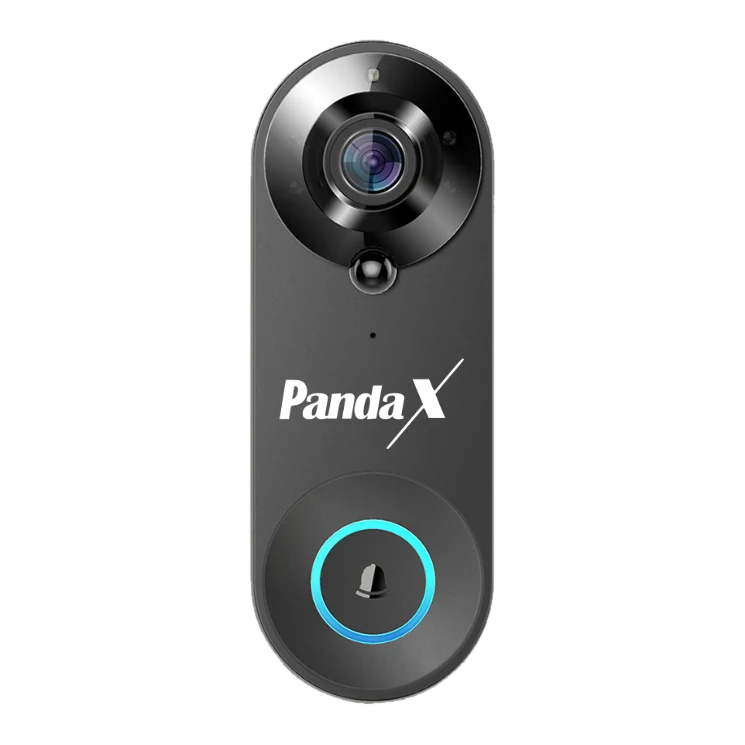
Smart Video Doorbell
Charge, pair in Smart Life, mount and pair the indoor chime.
View product details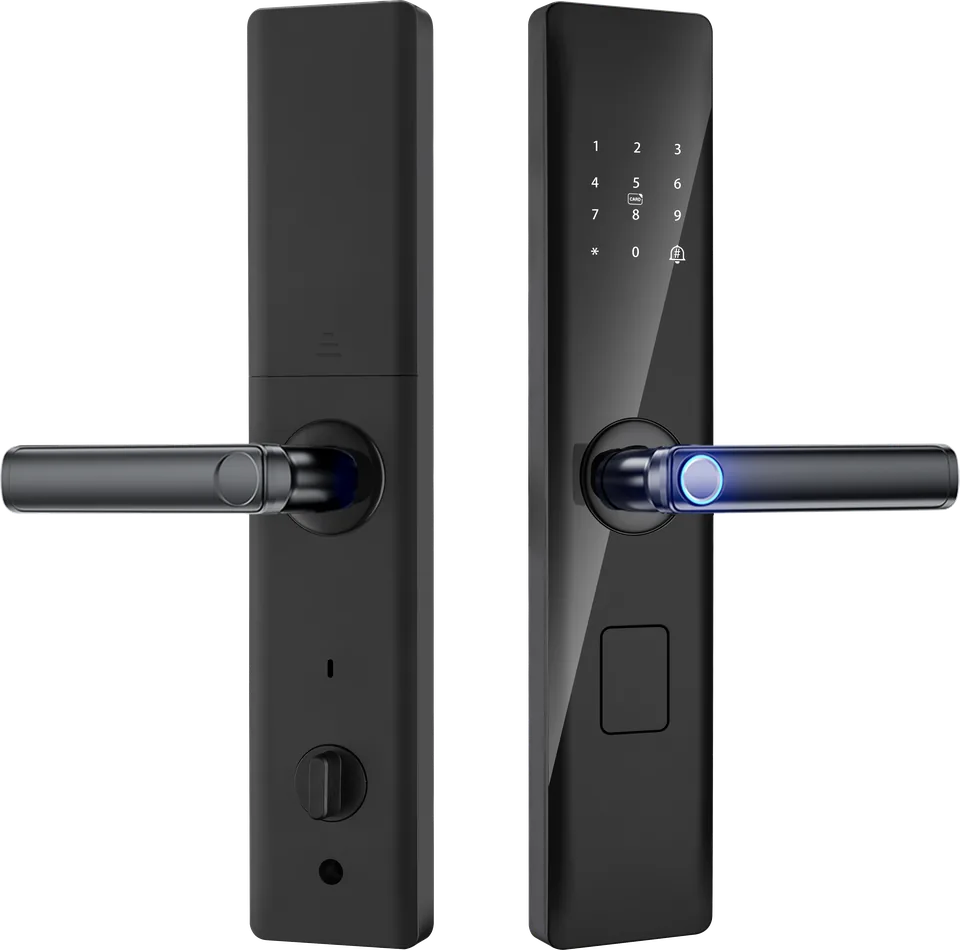
Smart Door Lock
Check your door, what happens at installation, then set up users.
View product detailsQuick links
Popular help topics
Before you start
Three things both products need
- The free Smart Life app (Google Play or App Store) and an account.
- 2.4 GHz Wi-Fi. 5 GHz-only networks won't work. If your router combines both bands under one name, turn on 2.4 GHz or "mixed mode" in the router settings.
- Your Wi-Fi name and password, and Bluetooth, location and notifications allowed for the app when asked.
Fingerprint, PIN, card and key work without Wi-Fi
Warranty at a glance
Talk to us
Real people, in Vadodara
Mon–Sat, 10 am – 7 pm IST
FAQs
Top questions
The ones we hear most. Short answers, honest ones.
Does it work with 5 GHz Wi-Fi?
No. Both products need 2.4 GHz Wi-Fi. Most home routers have both bands. If yours shows only one network name, it may be combining them — enable 2.4 GHz or "mixed mode" in your router settings, or ask your internet provider.
Will the lock fit my door?
It suits wooden, steel and aluminium doors 35–65 mm thick that can take a mortise lock. If you have a safety door in front, you need at least 85 mm gap between the two doors. Not sure? Send us a photo of your door edge and a thickness measurement on WhatsApp.
The doorbell keeps going offline.
Usually it's Wi-Fi signal at the door. Move the router closer or add a range extender, avoid mounting on metal, and make sure the doorbell is charged. See troubleshooting.
I'm not getting alerts on my phone.
Turn on notifications for Smart Life, turn off battery optimisation for the app, and on Android allow auto-launch and background activity.
What's the warranty?
1 year on the video doorbell, 2 years on the smart lock, against manufacturing defects.
How do I claim warranty?
WhatsApp or email us with your order ID and a photo or video of the problem. We'll troubleshoot with you, then arrange a free technician visit where available, or a pickup for repair or replacement.
What if the batteries die completely?
Connect a power bank to the emergency Micro-USB port on the outside panel, then unlock with your fingerprint or PIN. You can also always use the mechanical key.
Does it record?
Yes, to a microSD card (up to 64 GB, not included) or to cloud storage. Cloud storage comes with a free trial and is then a paid plan bought in the Smart Life app.