
Setup guide · Smart door lock
Smart lock installation and setup
We recommend professional installation, and offer it free. This guide explains what to expect and how to set up the lock after it's fitted.
Step 1
Check your door (before ordering)
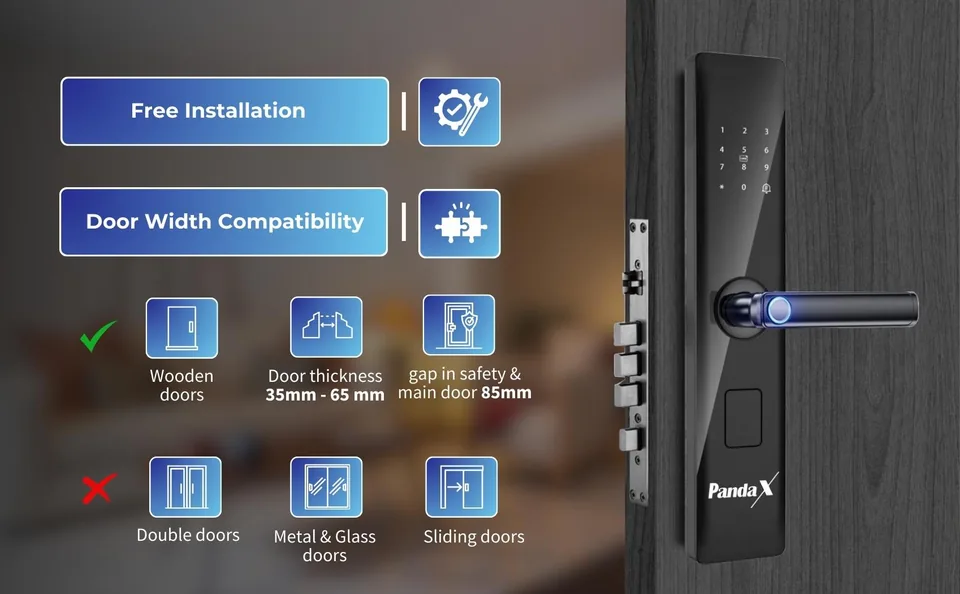
Door thickness
35–65 mm
Measure the door edge with a tape.
Door material
Wood, steel or aluminium
A door that can take a mortise lock.
Safety door in front
At least 85 mm gap
So the handles don't clash.
Location
Covered spot
Away from direct rain and sunlight.
Suits
- Wooden doors
- Steel doors
- Aluminium doors
Doesn't suit
- Double doors
- Metal & glass doors
- Sliding doors
Rented home?
Not sure? WhatsApp us a photo of the door edge, the existing lock and your measurement.
Send door photosStep 2
What happens during installation
- The technician checks your door and the handing (left or right opening).
- They mark the door using the door-cutting template.
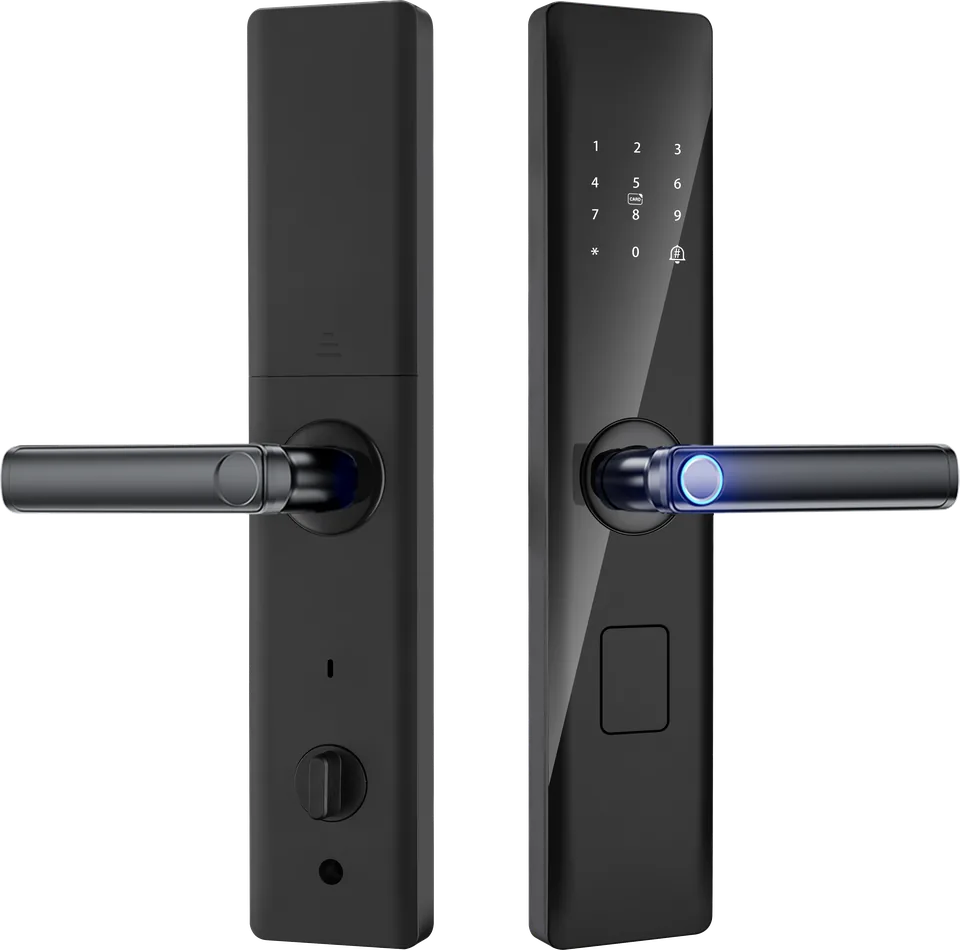
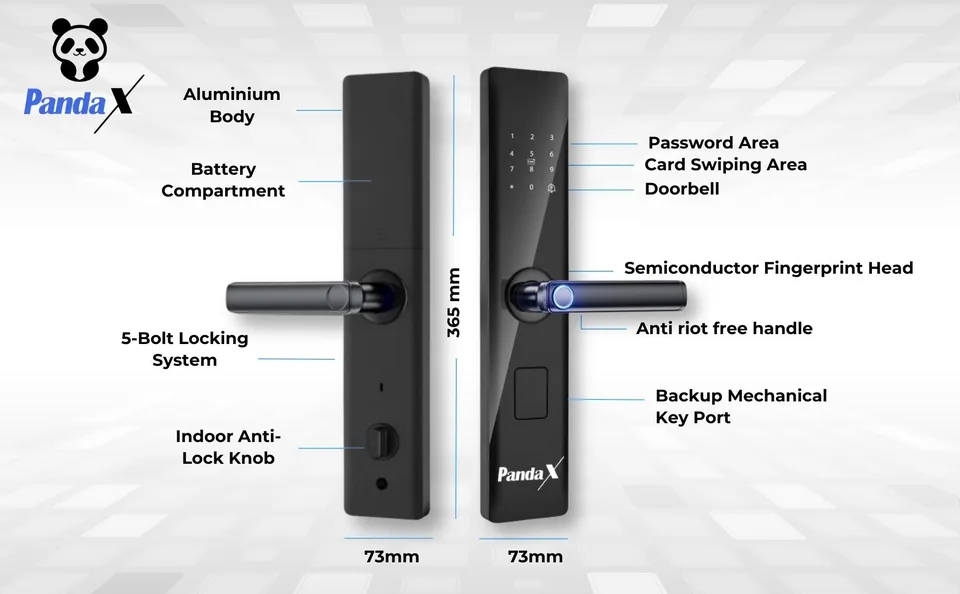
- They cut a slot in the door edge for the 5-bolt mortise body and drill holes for the cylinder, handle spindle and cables.
- They fit the mortise, the outer panel and the inner panel, and connect the cable.
- They insert the batteries, test all the ways to unlock and check that the bolts throw smoothly.
- They help you set up the admin and your first fingerprints.
Step 3
Fit the batteries
Open the battery cover on the inside panel and insert 4 AA alkaline batteries (Duracell or Energizer recommended). Don't mix old and new batteries or different brands.
Step 4
Set up the admin
The first person you register becomes the administrator. Do this first, so only you can add or remove users and change settings.
- Touch the keypad to wake it.
- Enter the menu: press * then #.
- Follow the voice prompts to add an admin PIN (6–12 digits) and/or fingerprint.
- Confirm. Keep your admin PIN somewhere safe.
Step 5
Add fingerprints, PINs and cards
From the menu (admin verification needed):
- Fingerprint: choose "Add user → Fingerprint". Place the same finger on the sensor several times as prompted, slightly moving it each time. Add a second finger as a backup. Up to 100 fingerprints.
- PIN: choose "Add user → Password". Enter a 6–12 digit PIN twice.
- Card: choose "Add user → Card". Tap the RFID card on the keypad area.
Stop anyone learning your PIN
Step 6
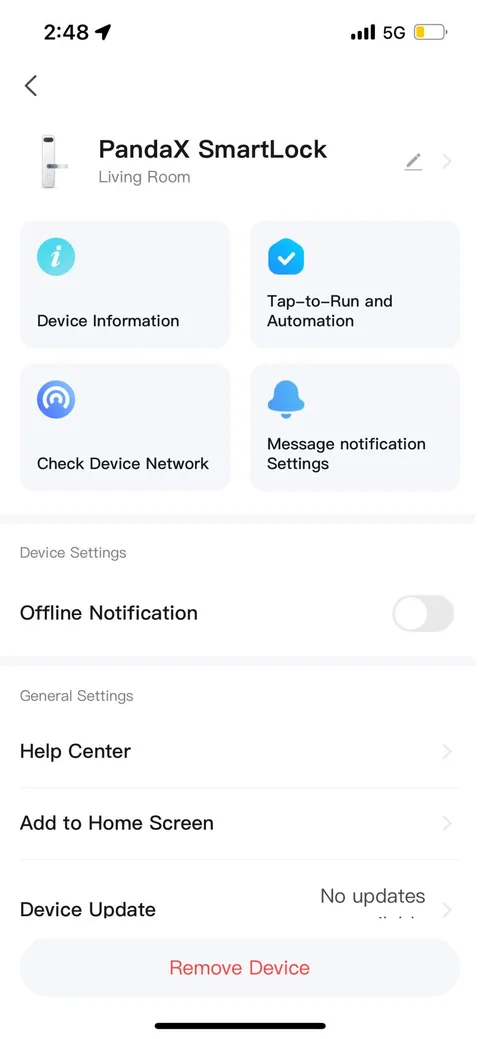
Connect to the Smart Life app (optional)
- Keep your phone on 2.4 GHz Wi-Fi near the door.
- Put the lock into network-pairing mode from the menu.
- In Smart Life, tap + and add the lock (category "Locks"). Enter your Wi-Fi details and follow the prompts.
- Now you can unlock remotely, create temporary and one-time codes, see the activity log and get alerts.
Fingerprint, PIN, card and key all work without Wi-Fi.
Changing the batteries
- When the lock gives a low-battery alert, replace all 4 AA batteries within the next few days.
- Open the inside battery cover, swap in 4 fresh alkaline AA batteries, and close it. Your users and settings stay saved.
- Expect approximately 6 months or up to 1,000 unlocks per set, depending on use.
If the batteries run out completely
- Connect a power bank to the emergency Micro-USB port on the outside panel.
- Unlock with your fingerprint or PIN.
- Once inside, replace the batteries.
Chabi bhool gaye? Koi tension nahi.
Still stuck?
WhatsApp or email us with your order ID, the product and a short video of the problem. We usually reply within 24 hours.