On this page
The bell rings. You're on a call, or cooking, or not even home. Is it the courier, a neighbour, or someone you'd rather not open the door to?
A video doorbell answers that question on your phone. And today, many of them don't need any wiring at all. They run on a rechargeable battery, so you can fit one yourself, even in a rented flat.
But battery doorbells come with trade-offs. Here's an honest look at both sides, so you can decide what suits your home.
What a video doorbell actually does
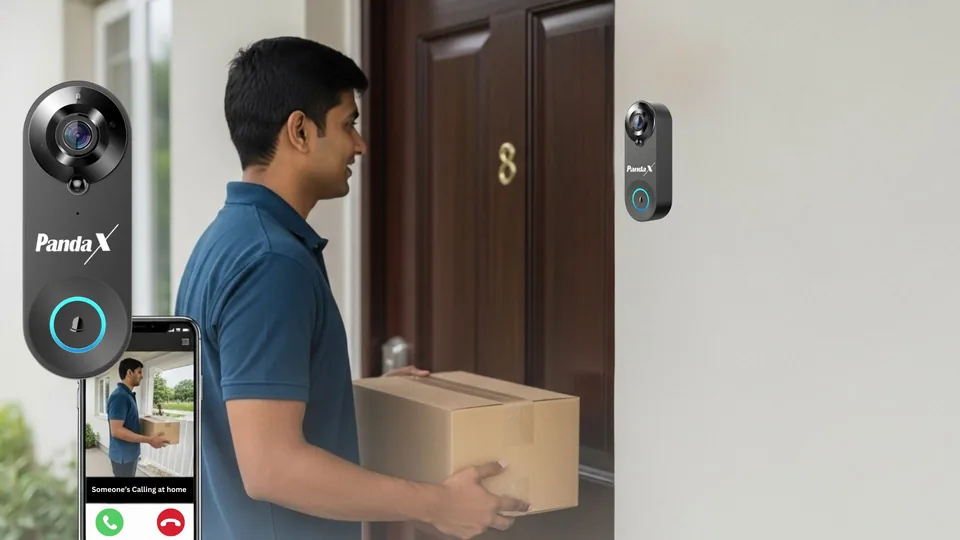
At its simplest, a video doorbell is a doorbell button with a camera, microphone and speaker built in. When someone presses it or walks up to your door:
- your phone gets an alert,
- you see live video of who's there,
- you can talk to them through the doorbell, from anywhere with internet,
- and in most cases, a chime rings inside your home too.
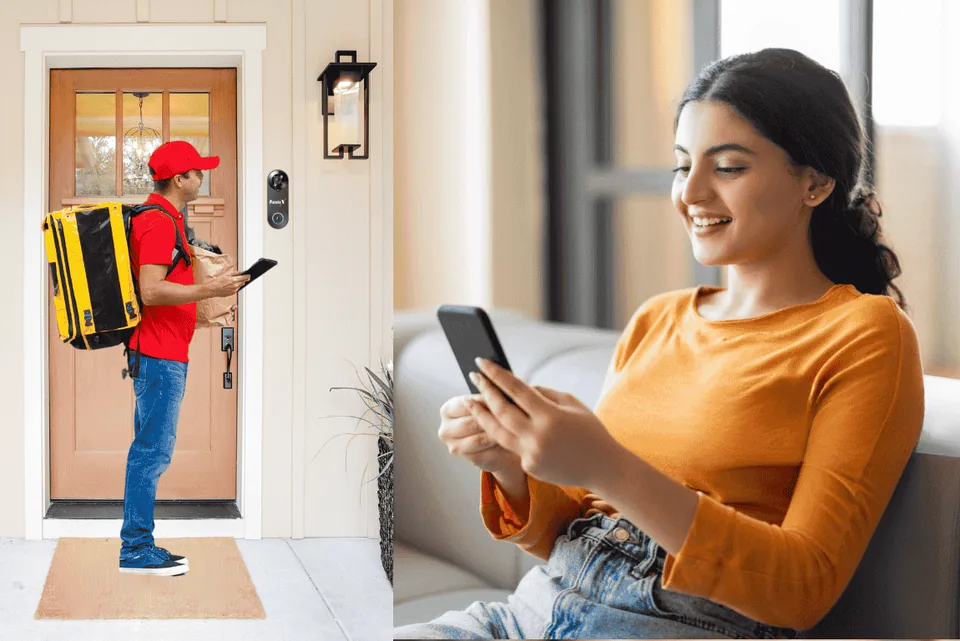
Most models also detect motion near the door and can record clips, either to a memory card or to the cloud.
Darwaze pe kaun hai? Ab phone pe dekho.
Wired vs battery: the real difference
Wired doorbells draw power from your home's electrical supply, usually through an adapter and a cable run to the door. They never need charging. But someone has to bring a power point to the door, which can mean drilling, wiring through the wall or frame, and an electrician's visit. In many Indian flats, there's simply no power point near the main door.
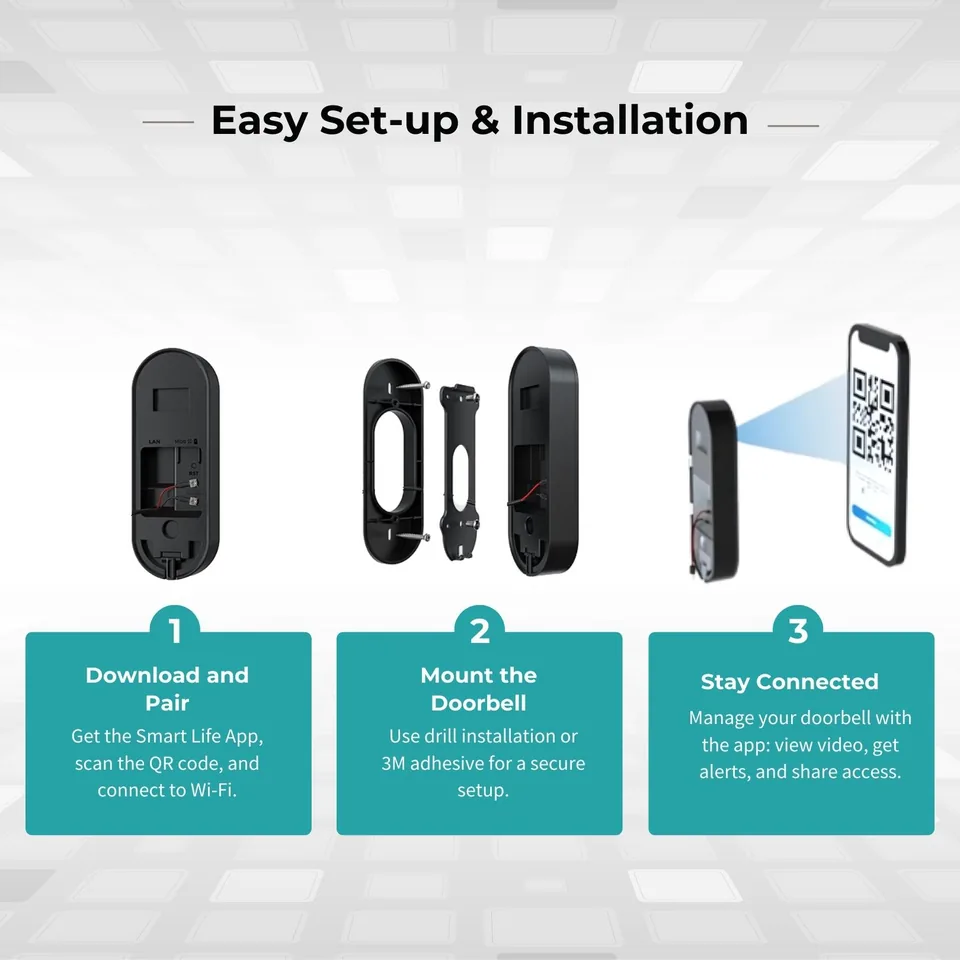
Battery doorbells have a built-in rechargeable battery. You stick or screw the doorbell beside your door, connect it to Wi-Fi, and you're done. No electrician, no wires, no damage to the wall. The trade-off: you'll need to take it down and charge it from time to time.
When a battery doorbell is a great fit
- You rent. No drilling or wiring means no awkward conversation with your landlord, and you can take it with you when you move.
- There's no power point near your door. Common in apartments and older buildings.
- You want it working today. Set-up is charge, pair, stick — not a weekend project.
- You're setting it up for parents. Install it on a visit home, share access to your phone, and see who's at their door from wherever you are.
- You want a doorbell that keeps working in a power cut. A battery doorbell keeps running on its own charge. (It still needs Wi-Fi to send video to your phone, so your router needs power or an inverter.)
The honest trade-offs
You'll need to charge it. How often depends on how busy your door is. Every ring, motion alert and live-view session uses power. A quiet flat with a few visitors a day will go much longer between charges than a busy corridor where the doorbell wakes up constantly. Be wary of fixed battery-life claims; ask what usage they're based on. The good news: the app shows the battery level, so it won't catch you by surprise.
Wi-Fi at the door matters. A video doorbell streams video, so it needs a reasonable Wi-Fi signal where it's mounted. Thick walls, lift shafts and metal doors can weaken the signal. Many doorbells, like most smart-home devices, work only on 2.4 GHz Wi-Fi, not 5 GHz. Test the live view at the door before you fix it.
Motion alerts aren't magic. Most battery doorbells use a PIR (passive infrared) sensor, which detects warm, moving bodies. That's efficient for batteries, but it can't always tell a visitor from a neighbour walking past or a pet. In a busy corridor, you may get extra alerts. Placement and the app's settings help.
Recording has a cost. To save clips, you'll usually need either a microSD card (often not included) or a cloud plan, which is often free for a trial period and then paid. Factor that into the price.
Weather. Doorbells sit outside your door. If your entrance is exposed to heavy rain or harsh sun, choose a sheltered spot or check the product's weather rating.
What to look for when choosing
| Feature | Why it matters | What to look for |
|---|---|---|
| Video quality | Recognising faces | 1080p Full HD or better |
| Field of view | Seeing the whole doorstep, including parcels | 150°+ wide angle |
| Night vision | Visitors after dark | Infrared, with a stated range |
| Two-way audio | Talking to delivery staff | Echo or noise cancellation |
| Indoor chime | Hearing the bell inside | Included, plug-in |
| Battery | Time between charges | Capacity in mAh; low-battery alerts |
| Storage | Reviewing what happened | microSD support and/or cloud; know the cost |
| App | Daily use | Android and iPhone; family sharing |
| Wi-Fi | Staying online | Check 2.4 GHz support and signal at your door |
| Support and warranty | When something goes wrong | Clear warranty, reachable support |
A few setup tips
- Charge it fully before mounting.
- Mount it at chest height, so faces are in frame, and avoid metal surfaces.
- Keep the router close, or add a 2.4 GHz range extender if the door is far away.
- Allow notifications and turn off battery optimisation for the app on your phone, or alerts may arrive late.
- Share access with family so someone always sees who's at the door.
- Respect privacy. Point the camera at your own doorstep, not into a neighbour's home, and check your society's rules.
So, is a battery doorbell right for you?
Choose a battery doorbell if you rent, don't have a power point at the door, want a quick DIY setup, or are buying for someone else's home. Choose a wired doorbell if you already have power at the door and never want to think about charging.
Where PandaX fits
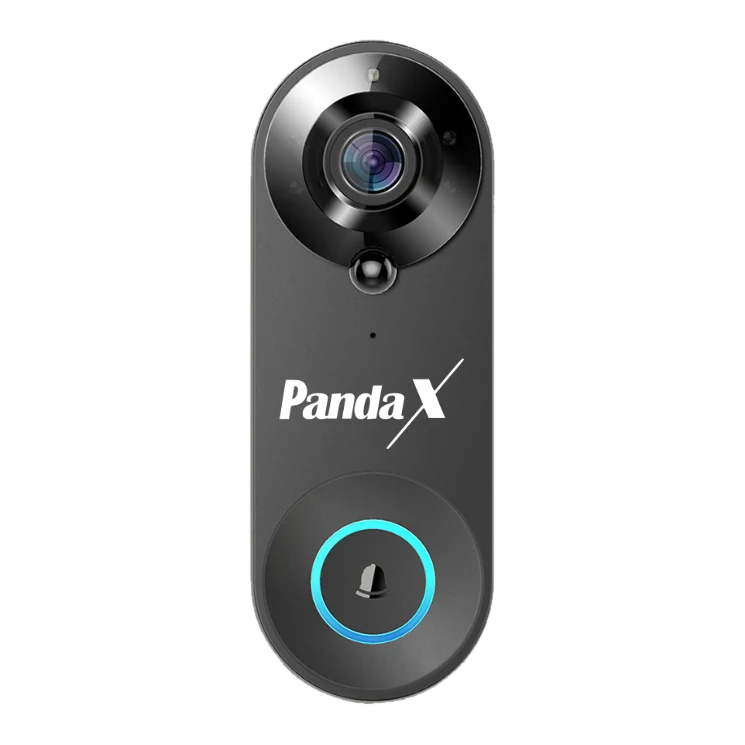
The PandaX Smart Video Doorbell is a battery doorbell made for exactly this: no wiring, DIY installation with adhesive or screws. It records 1080p Full HD video with a 160° wide view, has infrared night vision up to 5 m, and two-way audio with echo cancellation. PIR motion detection sends instant alerts to the Smart Life app on Android and iPhone, and you can share it with family. It has a 4400 mAh rechargeable battery and comes with a plug-in indoor chime with 56 melodies.
To be upfront: it works on 2.4 GHz Wi-Fi only, recordings need a microSD card up to 64 GB (not included) or a cloud plan (a free trial, then a paid plan in the app), and motion alerts can be triggered by pets or passers-by. It comes with a 1-year warranty, and our team is on WhatsApp (+91 87996 33536) if you get stuck.
Frequently asked questions
Can I install a video doorbell in a rented flat?
A battery doorbell is ideal. Use the adhesive base and there's nothing to drill or wire.
Does a wireless video doorbell need internet?
For alerts and live video on your phone, yes, it needs Wi-Fi with internet.
Do I have to pay a subscription?
Not necessarily. Many doorbells can record to a microSD card. Cloud storage is usually a paid plan after a trial.
Will it work if the power goes out?
The doorbell keeps running on its battery, but it needs your Wi-Fi router to have power to reach your phone.
Still not sure? Ask us.
Send us a photo of your door or your question on WhatsApp. A real person from our team replies, usually within 24 hours.
+91 87996 33536 · Mon–Sat, 10 am – 7 pm IST