On this page
Your main door is where the milkman knocks at 6 AM, where the kids come home from school, and where you fumble for keys with shopping bags in both hands. A smart door lock can make all of that easier. But only if you pick one that fits your door, your family and your routine.
This guide walks you through what to check, in the order that matters.
1. Start with your door, not the lock
The most common reason a smart lock disappoints is simple: it didn't suit the door. Check these four things before you look at features.
Door thickness. Every smart lock is designed for a range of door thicknesses. Measure the edge of your door with a tape. Doors vary a lot: older wooden doors and some steel doors can be noticeably thicker or thinner than a modern flat door. If your door is outside the lock's range, it won't fit properly, however good the lock is.
Door material. Wooden doors are the easiest to work with. Steel, aluminium and metal-framed doors can often take a smart lock too, but check the product page clearly says so. Glass doors and sliding doors usually need special models.
Lock type. Most main-door smart locks in India are mortise locks. The lock body sits inside a slot cut into the door edge, and bolts shoot out into the frame. If your door already has a mortise lock, the change is usually simpler. If it has a surface-mounted (rim) lock, expect more carpentry.
What's in front of it. Many Indian homes have a safety door or grille in front of the main door. Check there's enough gap between the two for the outer handle and panel. Some locks need 80 mm or more.
Where it faces. Smart locks are electronics. A door that faces open sky, gets direct afternoon sun or monsoon rain needs a lock rated for it, or a covered spot.
Pehle darwaza naapo, phir lock chuno. Measure first, shop later.
2. Decide how your family will unlock it
Think about everyone who uses the door, not just you.
- Fingerprint is the everyday favourite. No keys, no codes. Check how many fingerprints the lock stores if you have a big family or regular helpers.
- PIN code works for anyone, including people whose fingerprints read poorly (some elders and people who do a lot of manual work). Look for an "anti-peep" or virtual-code feature, which lets you type random digits around your real PIN so nobody can learn it by watching.
- RFID card is handy for children or house help — easy to hand over and easy to delete if lost.
- Mechanical key is your backup when all else fails. Always make sure there is one.
- App unlock and temporary codes let you open the door for a guest or a delivery while you're away, or send a one-time code to the plumber that stops working after use.
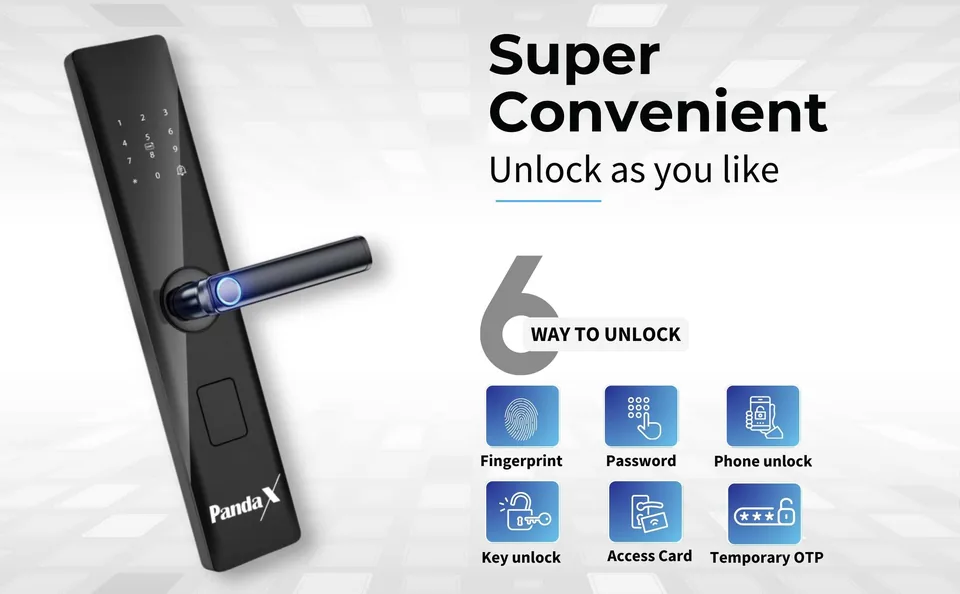
The more ways to unlock, the fewer chances of being stuck outside.
3. Understand the security basics
Smart locks are marketed with lots of security words. Here's what is worth checking.
- Bolts and lock body. More bolts spread the force if someone tries to force the door. A multi-bolt mortise is a sensible choice for a main door.
- Mechanical cylinder grade. The key cylinder is still a target for picking. Cylinders are graded, and a higher grade (for example Grade C, compared with A or B) is designed to resist picking for longer than a basic cylinder. Ask which grade a lock uses.
- Wrong-attempt protection. The lock should freeze the keypad and sound an alarm after several wrong tries.
- Alerts and logs. If the lock connects to an app, you can get a phone alert for unlocks or tampering, and see who came in and when.
- Auto-lock. Locks itself after you close the door, so nobody forgets.
Be cautious of absolute claims like "unbreakable" or "hack-proof". No lock is. A good smart lock simply makes your door harder to get past and easier for you to manage.
4. Wi-Fi, Bluetooth or no network at all?
A lot of people ask whether a smart lock needs Wi-Fi. Usually, not for the basics. Fingerprint, PIN, card and key all work offline.
Wi-Fi adds remote features: unlocking from your phone, guest codes, alerts and the activity log. If you want those, check:
- Does the lock connect directly to Wi-Fi, or does it need a separate hub?
- Does it work with your router? Many smart-home devices use 2.4 GHz Wi-Fi only.
- Is the Wi-Fi signal strong at your door? Walls, lifts and metal doors can weaken it.
5. Batteries and power cuts
Smart locks run on batteries, not mains power, so a power cut doesn't affect them. What matters is:
- Battery type. AA batteries are easy to find in any local shop.
- Battery life. Usually quoted in months or number of unlocks. Real life depends on how often the door is used.
- Low-battery warning. The lock should warn you well before it dies.
- Emergency power. Look for a USB port on the outside where you can connect a power bank if the batteries die, plus the mechanical key.
6. Installation: who fits it, and what if it doesn't fit?
Fitting a mortise smart lock means cutting and drilling your door. It's a job for someone experienced. Before you buy, ask:
- Is installation included or extra? Who does it, and how soon?
- Is my city covered?
- What happens if the technician finds my door unsuitable before cutting?
- If you rent, do you have your landlord's or society's permission?
7. App, warranty and support
- App: is it available on both Android and iPhone? Can you share access with family?
- Warranty: how long, and how do you claim? Is there a technician visit or do you ship it back?
- Support: can you reach a real person on WhatsApp or phone when you're stuck?
A quick checklist
Note your answers before you shop. It makes comparing locks (and talking to a technician) much faster.
| Check | Your answer |
|---|---|
| Door thickness (mm) | |
| Door material | |
| Existing lock type | |
| Gap to safety door (if any) | |
| Covered from rain and sun? | |
| Who needs access (family, help, guests)? | |
| 2.4 GHz Wi-Fi at the door? | |
| Installation included in my city? | |
| Warranty length |
Where PandaX fits
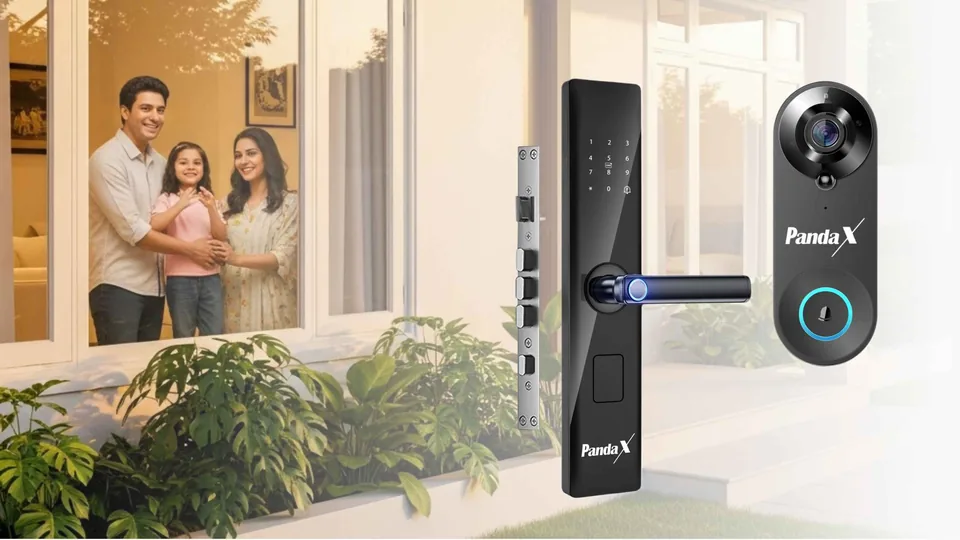
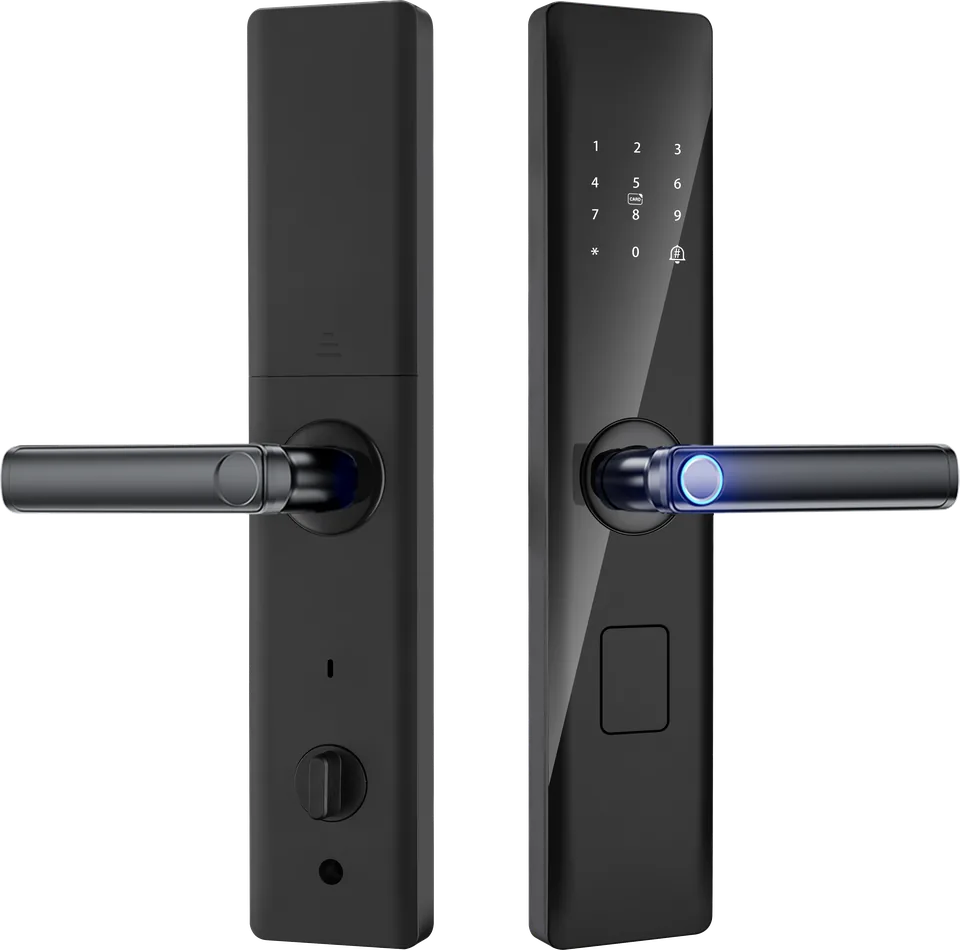
The PandaX Smart Door Lock is designed for Indian main doors. It fits wooden, steel and aluminium doors 35–65 mm thick and offers six ways to unlock: fingerprint (up to 100), a 6–12 digit PIN with an anti-peep virtual code, RFID card, mechanical key, remote unlock in the Smart Life app, and temporary or one-time codes. It uses a 5-bolt mortise body with a Grade C cylinder, a wrong-attempt alarm and auto-lock. It runs on 4 AA batteries — approximately 6 months or up to 1,000 unlocks — with an emergency Micro-USB port. It works without Wi-Fi; app features need 2.4 GHz Wi-Fi. It needs a covered door, away from direct rain and sun.
We recommend professional installation and offer it free, and the lock comes with a 2-year warranty. Not sure it'll fit? Send us a photo of your door on WhatsApp (+91 87996 33536) and we'll tell you honestly.
Frequently asked questions
Can a smart lock be fitted on a steel door?
Often yes, if the lock supports steel doors and the thickness is in range. Check with the brand before ordering.
What if the batteries die while I'm outside?
Use the emergency USB port with a power bank, or the mechanical key.
Is a smart lock good for elderly parents?
Yes, if you set it up for them. A PIN or card is often easier than a fingerprint for some elders.
Still not sure? Ask us.
Send us a photo of your door or your question on WhatsApp. A real person from our team replies, usually within 24 hours.
+91 87996 33536 · Mon–Sat, 10 am – 7 pm IST